

Your guide to customizable digital wedding invitation templates. Design your dream invites easily!



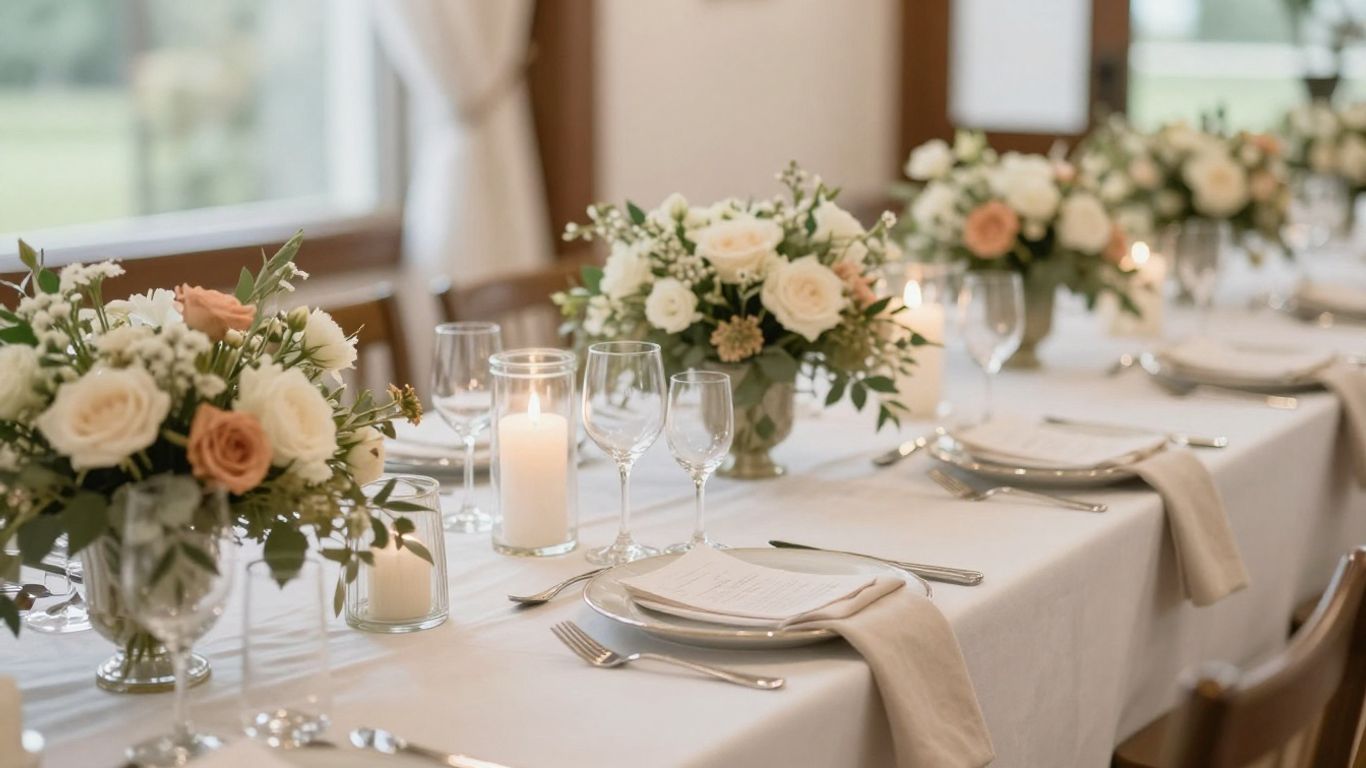
Making your own wedding invitations doesn't have to be complicated. Here are the main things to remember to create beautiful customizable digital wedding invitation templates that you'll love.
Planning a wedding is a whirlwind, and the invitations are often one of the first big things you tackle. Gone are the days when you were stuck with whatever the local print shop had. Now, with customizable digital wedding invitation templates, you have a whole world of design possibilities right at your fingertips. It’s pretty neat, honestly.
Digital invitations have really taken off, and it’s easy to see why. For starters, they can be a huge money saver compared to traditional paper invites. Think about it: no printing costs, no expensive paper, and often, no postage fees if you send them out electronically. This financial freedom can be a big deal when you're already juggling so many wedding expenses. Plus, sending invites online means you can easily keep track of RSVPs automatically, which is a lifesaver for larger guest lists. You can also update guests instantly if any last-minute changes pop up, which is way less stressful than trying to track everyone down individually. And let's not forget the environmental aspect; cutting down on paper is a win for the planet.
So, why templates specifically? Well, they offer a fantastic middle ground. You get a professionally designed starting point, which is great if you're not exactly a design whiz. But the real magic is in the customization. You can tweak colors, fonts, and layouts to make it truly your own. This means your invitation can perfectly match your wedding's vibe, whether it's rustic, modern, or totally unique. It’s like having a designer’s eye without needing the designer’s budget or the steep learning curve of complex software. You can find templates for almost any style imaginable, from minimalistic designs to more elaborate floral themes.
Your wedding invitation is the very first impression your guests will have of your big day. It’s the initial hint of the style, formality, and overall feeling they can expect. A beautifully designed, personalized invitation sets the stage and builds excitement. It tells your guests whether to expect a black-tie affair or a relaxed backyard gathering. Getting this right means your guests will know what to wear and what kind of atmosphere to anticipate, making them feel more prepared and connected to your celebration from the moment they receive it.
The details you choose for your invitation, from the script of the font to the shade of the paper color, all contribute to the story you're telling about your wedding. It’s a small piece of paper, or screen, that carries a lot of weight in setting expectations and conveying your personal style as a couple.
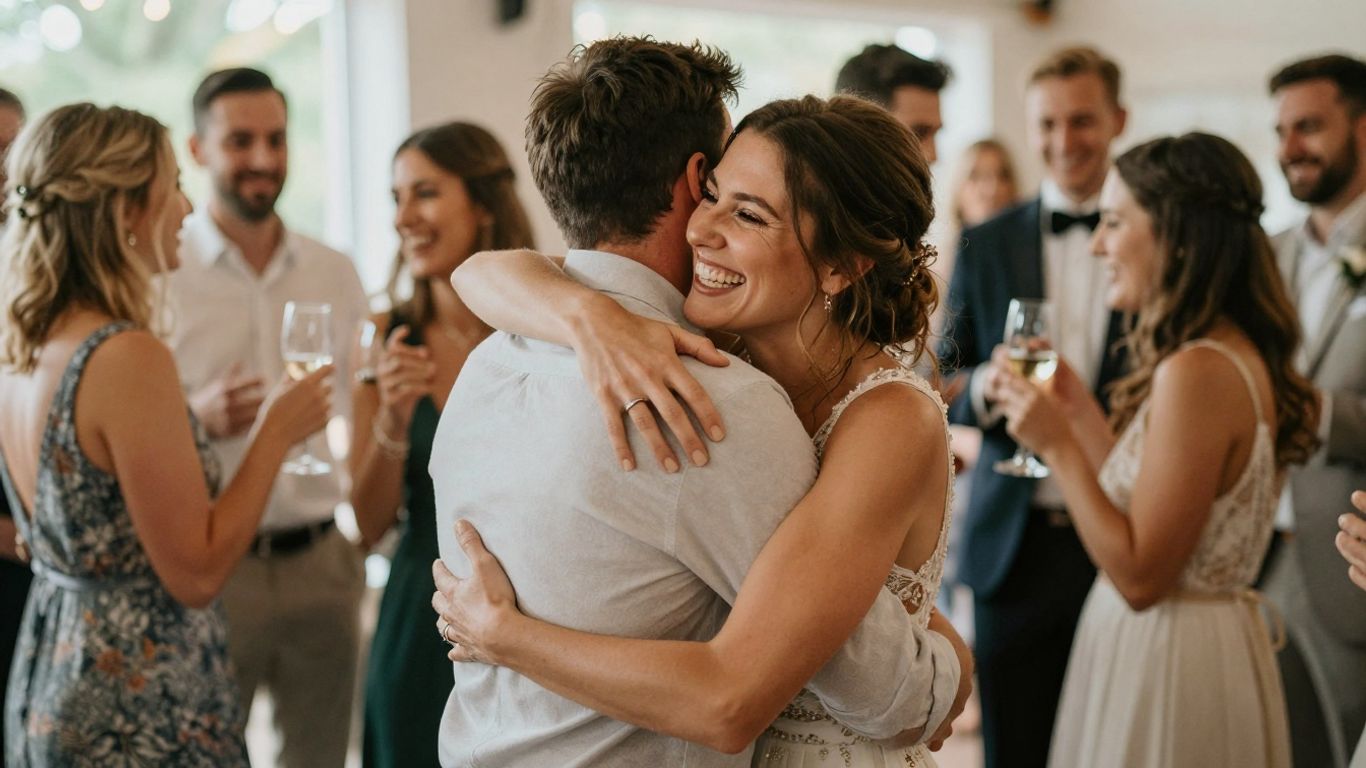
So, you've decided to go the digital route for your wedding invitations, and you want them to be totally you. That's awesome! But where do you even start with all the design tools out there? It can feel a little overwhelming, I get it. Think of it like picking the right kitchen gadget for a recipe – you need the one that fits the job and your skill level.
When you're looking for a place to design your wedding invites, there are a bunch of options. Some are super simple, others have more bells and whistles. It really depends on what you're going for. Do you want something quick and easy, or are you ready to get a little more hands-on with the design? Thinking about this will help you pick the best spot. You can find tons of inspiration and tools online, making it easier than ever to create something special.
If you're not exactly a design whiz, or maybe you just want to get things done without a huge learning curve, Canva is a fantastic place to start. Seriously, it's built for people like us. They have a ton of wedding invitation templates already made, so you don't have to start from a blank page. It's all drag-and-drop, which means you can easily swap out text, change colors, and add your own photos. Plus, their free version is pretty generous, and if you need more, Canva Pro isn't too pricey. It's a solid choice for getting professional-looking results without the professional price tag or the headache. You can even get your invitations printed through them, which is pretty neat.
Now, if you're aiming for something that looks super polished, maybe even a bit more
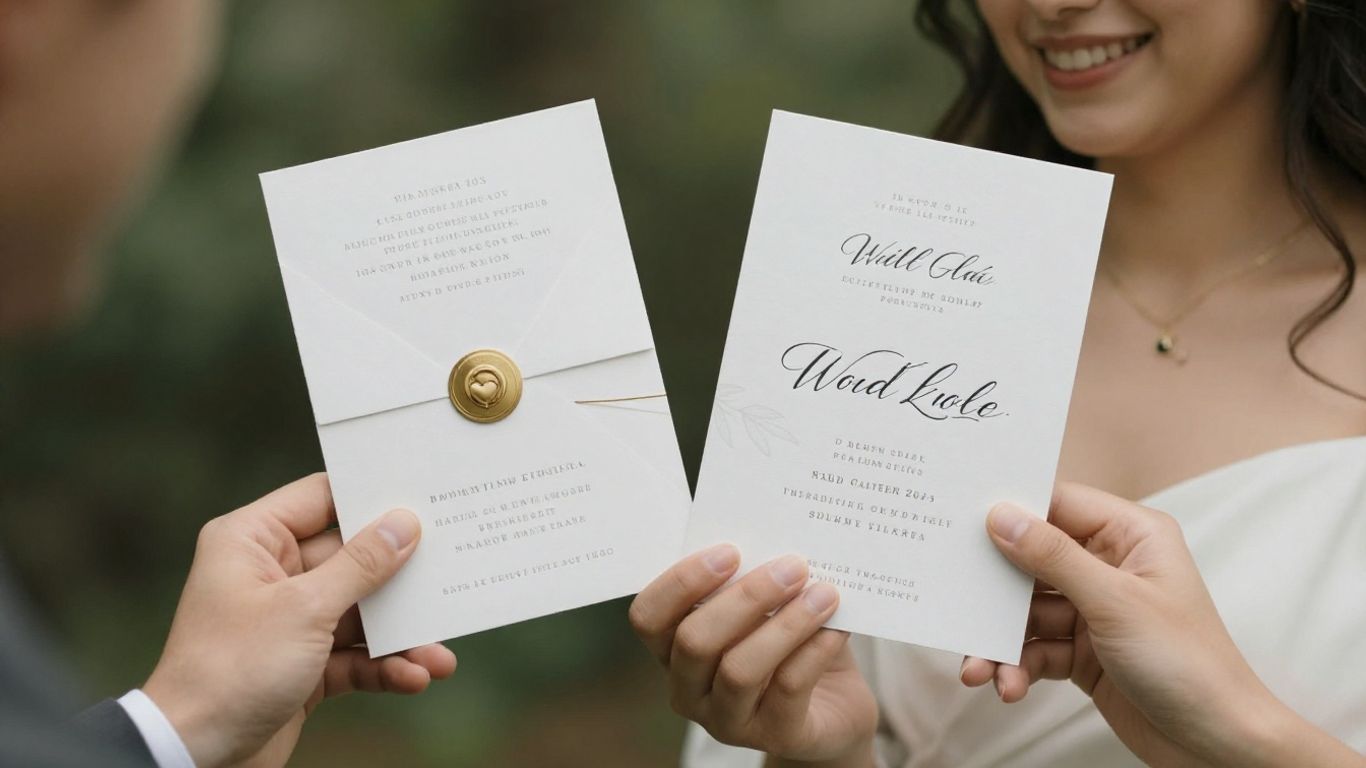
Alright, so you've picked out a cool platform and you're ready to start making those invites look amazing. This is where the fun really begins, turning a blank canvas into something that screams 'you' and your partner. It’s not just about putting words on a page; it’s about setting the stage for your big day. Think of it as the first impression your guests get, so you want it to be a good one, right?
Before you even open a design tool, take some time to just look around. What catches your eye? Are you into clean, modern looks, or do you prefer something more vintage and romantic? Websites like Pinterest and Instagram are goldmines for this. You can also check out wedding blogs or even just browse through invitation examples online. Don't be afraid to save anything that sparks an idea, even if it's just a color combination or a cool font you saw somewhere. It's all about building a visual library for yourself.
This is super important. You don't want to forget anything critical, but you also don't want to overwhelm your guests with too much text. Here’s a quick rundown of what usually needs to be on there:
Remember, your invitation is the first official communication about your wedding. Clarity and accuracy are paramount. Double-checking these details before you get too deep into the design can save a lot of headaches later on.
Fonts are like the personality of your invitation. A fancy script font can feel super elegant, while a simple sans-serif font looks more modern and straightforward. You don't need to be a typography expert, but picking fonts that match your wedding's vibe is a good idea. Often, using two fonts – one for headings and one for the main text – works well. Just make sure they're easy to read, especially for older guests. You can find great font pairings on various design sites, or even get suggestions from your chosen platform.
This is where everything comes together. Your color palette should ideally tie into your overall wedding theme. If you're having a rustic barn wedding, maybe earthy tones and some greenery would work. For a formal ballroom affair, perhaps metallics and deep jewel tones. Think about how your chosen colors will look with your text and any graphics you plan to use. It’s all about creating a cohesive look that feels balanced and pleasing to the eye. Don't be afraid to play around with different combinations until you find something that feels just right for your special day. You can explore different color ideas on sites like VistaPrint's invitation templates for inspiration.
Alright, so you've picked out a template or maybe even started from scratch. Now comes the fun part: making it totally yours. This is where your personality really shines through, turning a generic design into something that screams 'you' and your partner.
This is probably the most obvious step, but it's super important. You'll want to swap out all the placeholder text with your actual wedding details. Think names, dates, times, and the venue. Don't just type it in; play around with it. Maybe your names look best in a script font, while the date and time need something a bit more straightforward. It’s all about finding that balance.
Here’s a quick rundown of what absolutely needs to be there:
Templates often come with built-in graphics, but you can totally switch those out or add your own. Love a specific flower? Have a cute illustration of your pet? Want to use a photo from your engagement shoot? Now's the time to add it in. Just make sure whatever you add fits the overall vibe of your wedding. If you're going for a super modern look, maybe a minimalist line drawing works better than a busy floral pattern. You can find tons of free graphics online, or even create your own if you're feeling artsy. Just remember to keep the file size reasonable so your invitation doesn't take forever to load if you're sending it digitally.
Don't feel like you're stuck with the template's original layout. Most online tools let you move things around, resize elements, and change the background. Maybe you want the text a bit more centered, or perhaps you'd prefer a solid color background instead of a pattern. You can even try different color schemes to see what looks best. Think about the overall feel you want. A light, airy background might be perfect for a spring wedding, while something darker could work for a fall or winter celebration. It’s your invitation, so make it fit your style.
It’s totally normal to tweak things right up until the last minute. You might get a new idea, or maybe a friend points out something you hadn't noticed. Don't be afraid to make those final changes. It’s better to send out invitations that you absolutely love. Just be careful not to overdo it – sometimes, less is more. Keep an eye on the overall design and make sure any changes you make still look cohesive. If you're sending these out digitally, you can often update them easily if something changes, which is a huge plus compared to traditional paper invites. This flexibility is one of the big reasons people love digital wedding invitations.
Remember, the goal is to create an invitation that not only informs your guests but also excites them about your upcoming wedding. It's the first glimpse they get of your big day, so make it count!
So, you've poured your heart into designing the perfect digital wedding invitations. They look amazing, right? But before you hit send on your big day announcement, there are a few really important steps to take. It’s all about making sure everything is just right and gets to your guests smoothly.
This is probably the most critical part of the whole process. Seriously, don't skip this. A typo on a wedding invitation can be a bit embarrassing, and worse, it can cause confusion for your guests. Think about it: incorrect dates, times, or even names can lead to people showing up at the wrong place or time. Give your invitation a thorough read-through, and then have at least one other person look at it too. Fresh eyes catch things you might miss. Check every single word, number, and detail. It’s better to spend a little extra time here than to deal with the fallout later.
When you're ready to save your masterpiece, make sure you're exporting it in the right format and resolution. Most design tools will give you options like JPG, PNG, or PDF. For digital invitations, a high-quality JPG or PNG usually works best. If you plan on printing any physical copies later, a PDF with bleed and crop marks is often the way to go. You want your design to look crisp and clear, not blurry or pixelated, no matter how it's viewed.
Sending digital invitations is super convenient. You have a few ways to go about it. You can send them directly via email, which is pretty straightforward. Many couples also love using dedicated wedding websites or apps. These platforms can house all your wedding details, including the invitation itself, and make it easy for guests to RSVP. For example, a service like InviApp can manage invitations, RSVPs, and even a photo album, all in one spot without guests needing to download anything.
Even if your primary plan is digital, you might want a few physical keepsakes or perhaps some guests prefer a tangible invite. Print-on-demand services are a great middle ground. You can upload your digital design, and they'll print and ship high-quality invitations to you. This way, you get the best of both worlds – the ease of digital design with the option for beautiful printed pieces. It's a nice way to offer a more traditional feel without the hassle of managing a separate print order yourself.
You're almost there! Once your invitations are all set, it's time to send them out. Make sure everything looks perfect before you hit send. Ready to share your special event with everyone? Visit our website to finalize and share your invitations with ease!
Creating your own wedding invitations can be a really rewarding process. It lets you put your personal stamp on something so important. With all the tools and templates out there today, it's totally doable, even if you don't think you're a design whiz. Just take it step-by-step, gather your ideas, pick a platform you like, and have fun with it. Your guests will love the special touch that comes from an invitation made just for them.
Think of them as digital cards you can change to fit your wedding. You can edit the words, colors, and pictures to make them totally yours. It's like a digital coloring book for your wedding invites.
Digital invites are often cheaper than paper ones, and they're better for the environment because they don't use paper. Plus, you can send them out really fast and easily to everyone on your list.
Not really! Many websites have easy-to-use tools and ready-made designs. You can just pick a style you like and change the text and colors. It's like putting together a puzzle, but way more fun.
You need to include the couple's names, the date and time of the wedding, where it's happening (the venue), and how people can let you know if they're coming (RSVP details).
Yes, you can! Once you've designed your digital invitation, you can save it and send the file to a printing service, either online or a local shop. Some design platforms even offer printing services themselves.
Always look over your design really carefully before you send it out. Check for any typos or mistakes. It's also a good idea to ask a friend to look at it too. Then, save it in a high-quality format so it looks sharp.
Discover more tips, trends, and expert advice to help you plan and celebrate life with ease together with friends and family.
Everything you need to know about planning your next event with InviApp.

Yes, absolutely. We believe event planning should be accessible to everyone. All our core features, from RSVPs to photo sharing and wishlists, are completely free to use for both hosts and guests.
No. Your guests can access everything — RSVP, wishlist, and photo sharing — directly in their mobile browser via your unique event link. No app download or sign-up is required for them.
Once your event is created, you get a unique URL. You can share this link however you like: via SMS, WhatsApp, email, or social media. It works everywhere.
Yes! InviApp includes a shared digital album. Guests can upload their photos and videos directly to your event page, so you can keep all your memories in one private place.
Your privacy is our priority. Your event page is private and only accessible to people who have your unique link. We never sell your data to third parties.
Can’t find the answer you’re looking for? Please chat to our friendly team.


